

EnGBA

A Game Boy Advance emulator built from scratch, focusing on accurate emulation and performance.

April 2026

Tech Stack

Development Blog Posts

Nostalgia

April 22, 2026 - 8:54PM

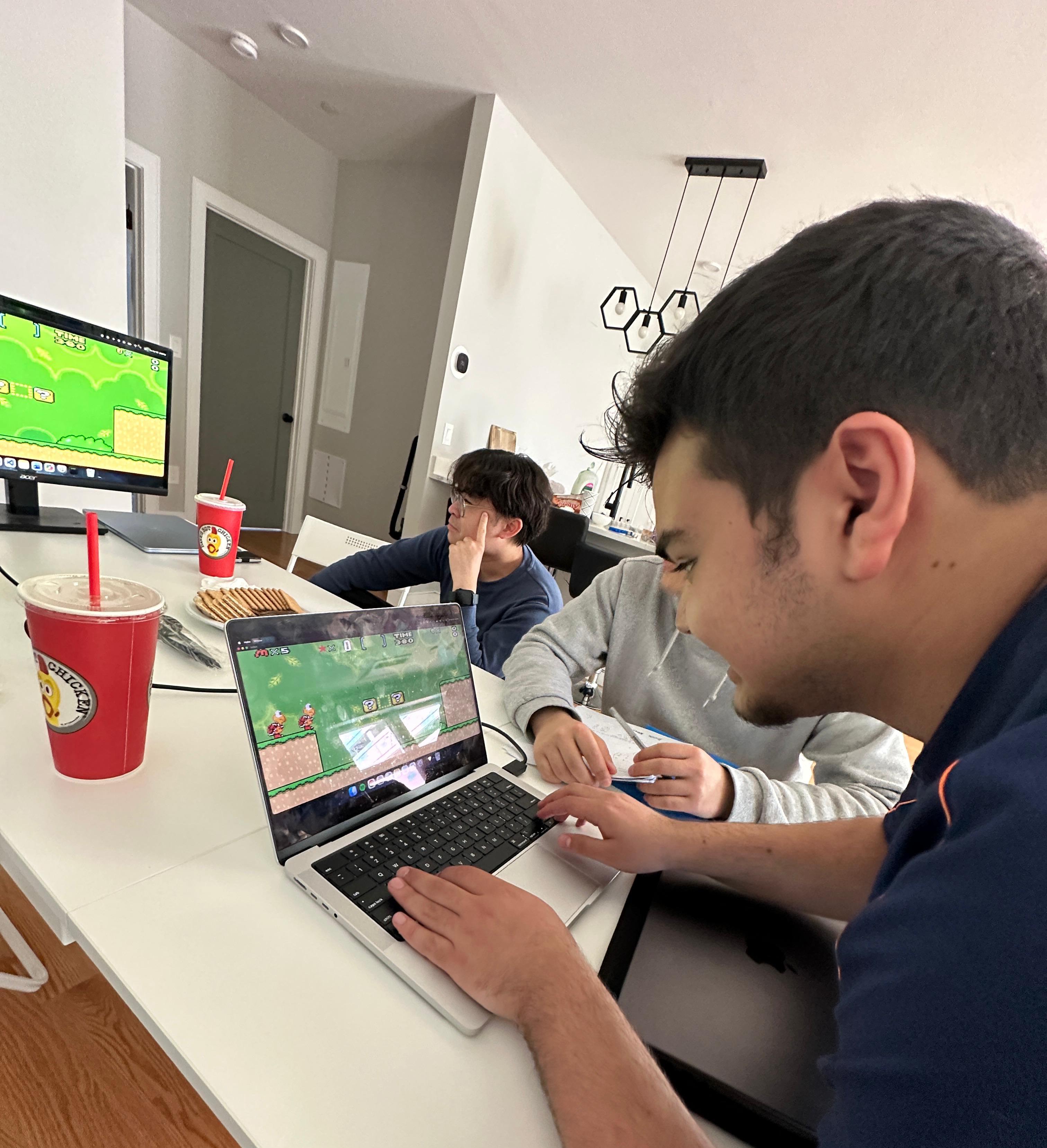
Tomodachi Life: Living the Dream recently released and I've been seeing everyone play it. It brought back so many memories of playing the original Tomodachi Life on the Nintendo 3DS back in the day.

Revisiting that nostalgia made me remember that I was also curious about how these games worked. I've never used a Game Boy Advance, but how does a system as limited as the GBA handle everything from sprite rendering to input to game logic so seamlessly? What's really happening behind the scenes when a game feels this responsive and alive?

Even besides that, how is it possible that something that isn't a GBA can run GBA games at all?

After doing some research, most of the concepts behind how emulators work were familiar to me. Memory management, hardware interrupts, I/O & DMA, and much more were all concepts I had learned recently while studying computer architecture and operating systems.

So, that was enough for me to decide to build the GBA emulator, it'll be fun of course, but challenging enough to keep me learning and engaged for a while, and I can document the process along the way.

— Montasir
Skeleton

April 22, 2026 - 10:15PM

I started coding the emulator by setting up the part that everything else depends on per the architecture, memory.

The GBA has a pretty strict memory layout, so I built a Bus class that knows how to route reads and writes to the right place. The CPU doesn't care about “RAM” or “ROM”, it just throws addresses around, so the Bus has to translate those into actual storage.

I added the main regions I need for now:

  • External RAM
  • Internal RAM
  • Game Cartridge

Each one is just a vector of bytes, but the Bus handles the offsets and boundaries. It already feels like a real system once you can load a ROM file into memory and read from it.

After that, I set up the CPU state. All the registers, the CPSR, and the starting PC at 0x08000000. The CPU can step, even though the step function barely does anything yet. But the structure is there.

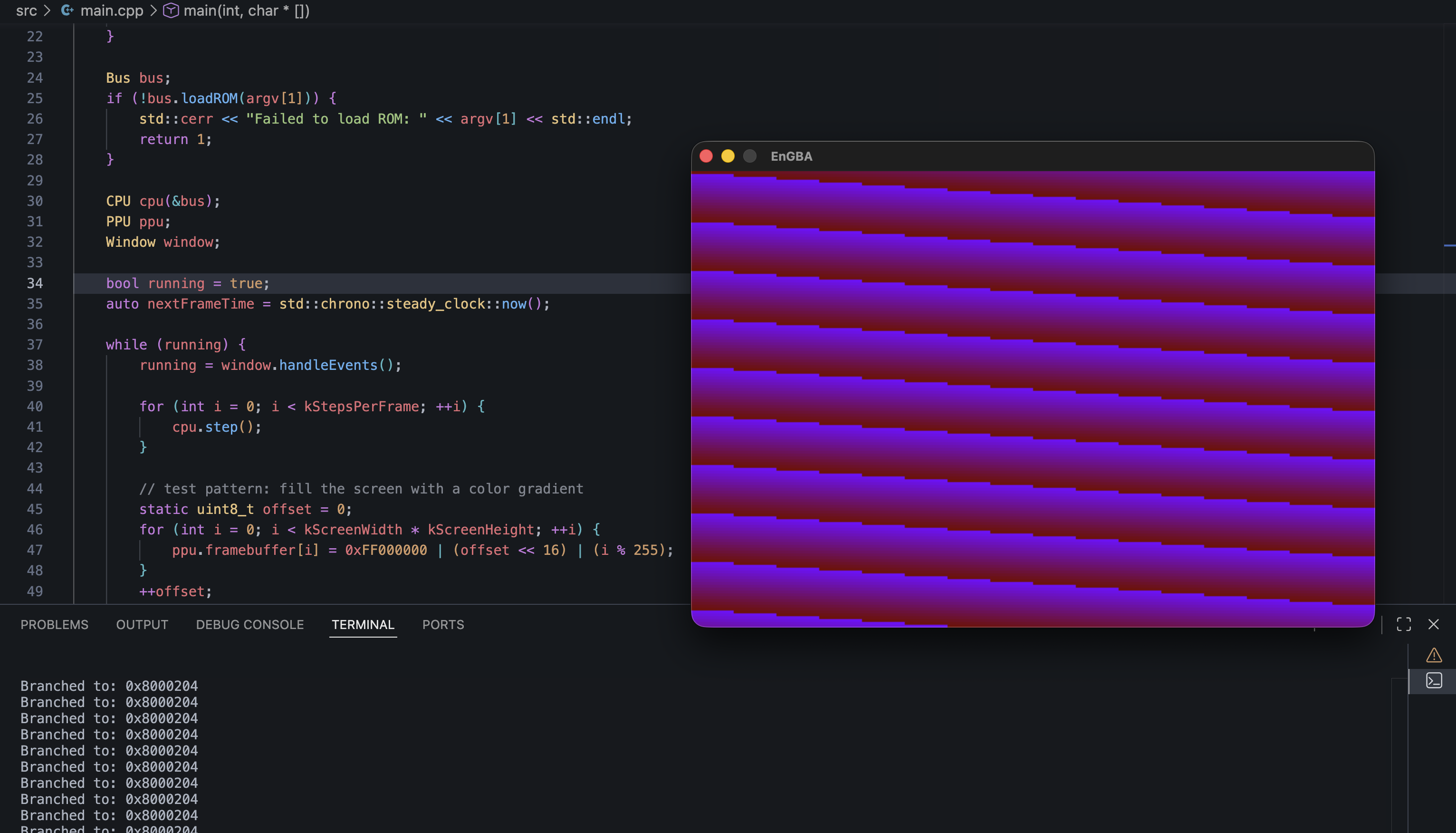
From there, I wired everything together in main.cpp. It loads the ROM, initializes the Bus and CPU, and runs a loop that calls cpu.step() a bunch of times. I also added a basic PPU stub with a 240x160 framebuffer, plus a small SDL2 window layer so I can actually see something on screen.

Right now the PPU isn't rendering tiles or sprites. Instead, I'm filling the framebuffer with a simple color gradient each frame just to confirm the loop, timing, and window are all working. It's the first time EnGBA has produced any kind of visual output, even if it's just a shifting pattern.

It's not a real emulator yet, but it's a skeleton that boots, ticks forward, and draws pixels. That's enough to move on to the fun part next: implementing data processing instructions.

Image 1

Tiny demo of the pattern after running:

cd EnGBA
mkdir -p build && cd build
cmake ..
make
./EnGBA <my-rom-path>

— Montasir

End

Latest

You are on the latest blog

Next

InfiniteCode

February 2026